Start with the PDF you have.
Upload your catalog. Keep the layout, photography and product story you already created.
Foluro turns your PDF into an interactive product catalog. Buyers select products and quantities, then send a quote request with their contact details to your workspace.
No account needed for the demo. Bring your curiosity.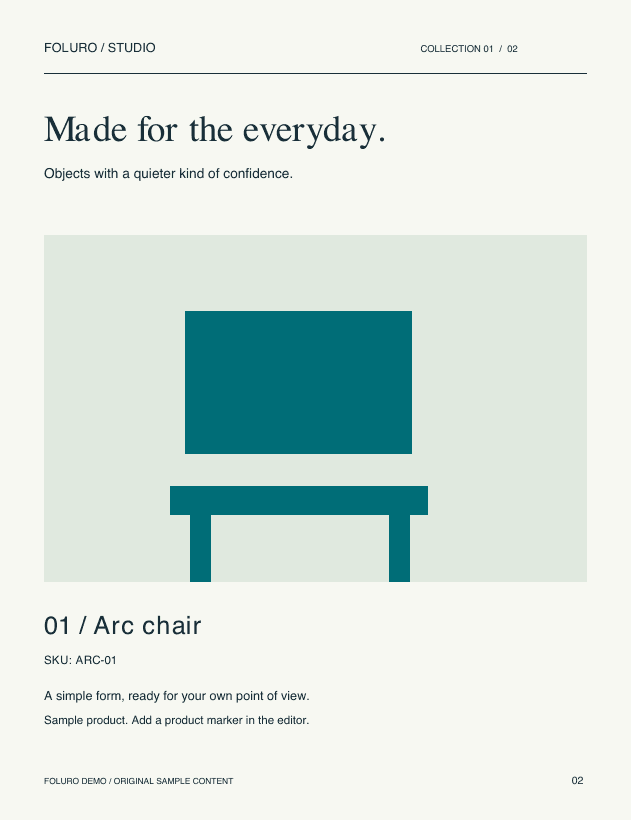
 Select a product
Suppliers / Wholesalers / Print & creative agencies
You already have the products and the pages. Foluro connects them to the next step.
Upload your catalog. Keep the layout, photography and product story you already created.
Add product details or import a CSV. Place product tags on your pages so buyers can build their selection.
Buyers choose quantities and share their contact details. Find the products, SKUs and quantities together in your workspace.
A product name, a quantity, a real person to reply to. Each request keeps the details together so your team can prepare a relevant quote.
Build a sample selectionBuyer contact details and a message, alongside the exact selection.
| Product / SKU | Quantity |
|---|---|
| Arc chair ARC-01 | 12 units |
| Halo lamp HALO-02 | 6 units |
Realistic page turns, sound, search and zoom. An interactive reader that works on desktop and mobile.
Explore page views, reading time and product interactions. Use tracking links to distinguish your campaigns.
Update a publication without sending a new URL. Add your branding and organize catalogs into shareable bookshelves.
Give your next catalog a place to shine. Create a workspace and start with the PDF you already have.
Starter early access · No card required. Paid-plan prices in USD.No. Start with your existing PDF and add interactive product tags in Foluro. You can enter product details individually or import a CSV, then review their positions on the pages.
No. Buyers can open your public catalog, select products and submit a quote request without signing in. You can also protect a publication with a password when you need to restrict access.
It is an inquiry. The buyer sends their selection, quantities and contact details. Your team reviews the request in Foluro and follows up with a quotation. No purchase or payment is made in the catalog.
Yes. Publish a new PDF version using the same catalog link. Review your product tags before publishing, especially when the page layout or product positions change.
Create an account with your email to start a Starter workspace in early access. No card is required. Explore the pricing page when you need more capacity. Signing up or requesting early access never starts a paid subscription; purchasing a subscription requires a separate checkout.